How campaign teams, field agents and check-in operators use MachineNova day to day, drawn from our field training manuals. Keep it handy on your phone or print it for your team.
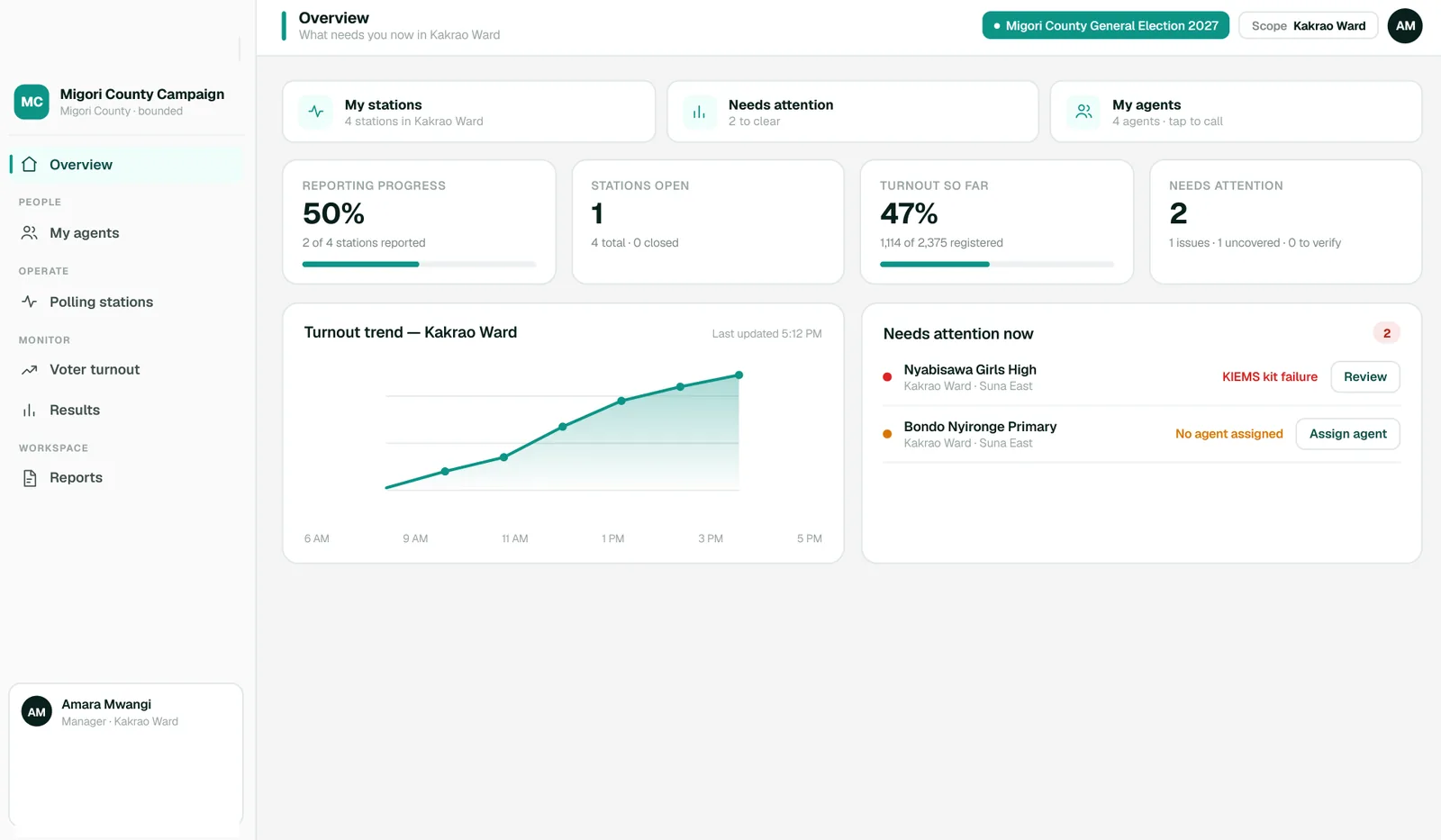
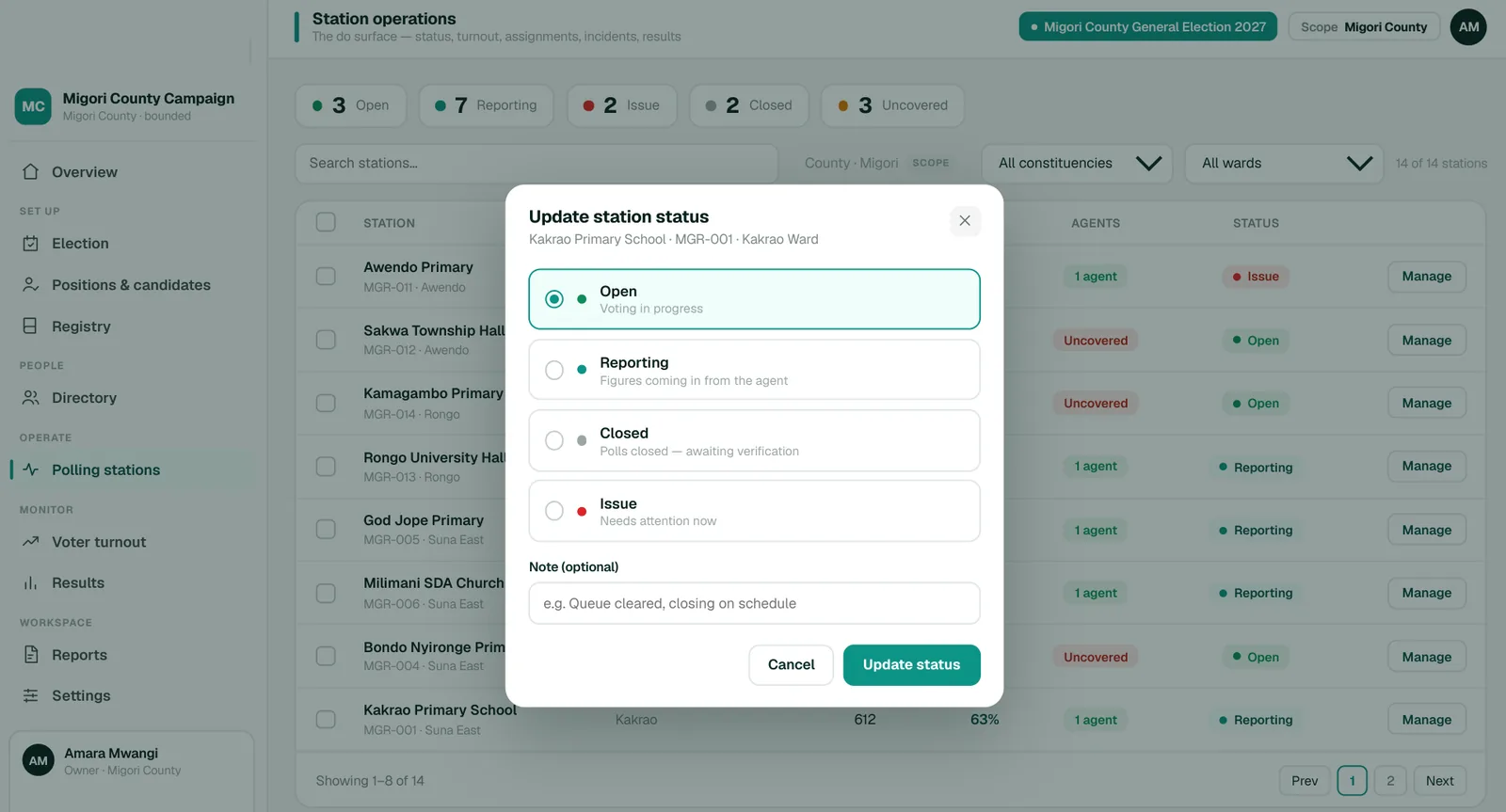
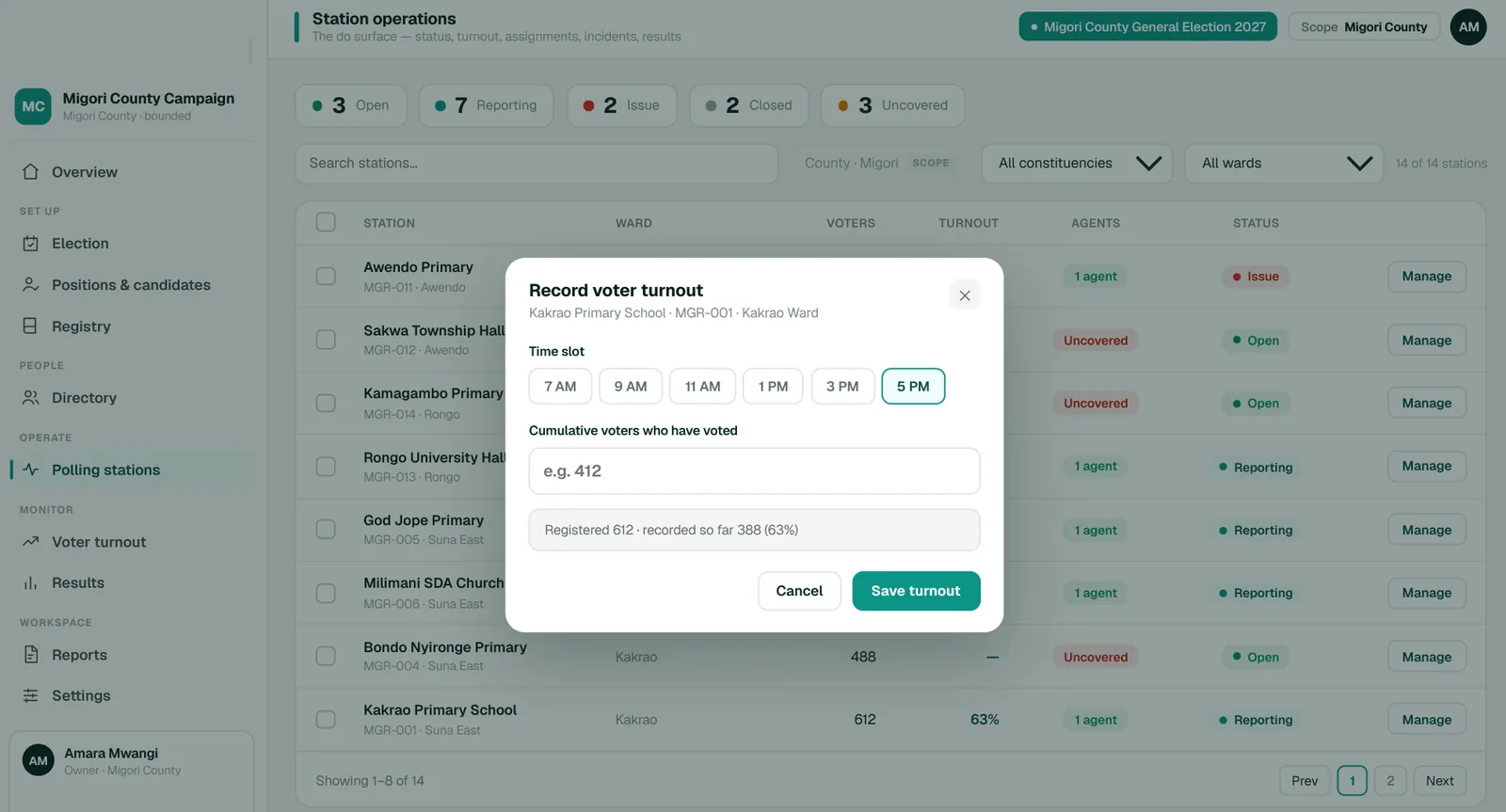
Everything flows through one active election. Its positions define the regions, its people are scoped by role and geography, and every station update lands on the command dashboard the moment it happens.
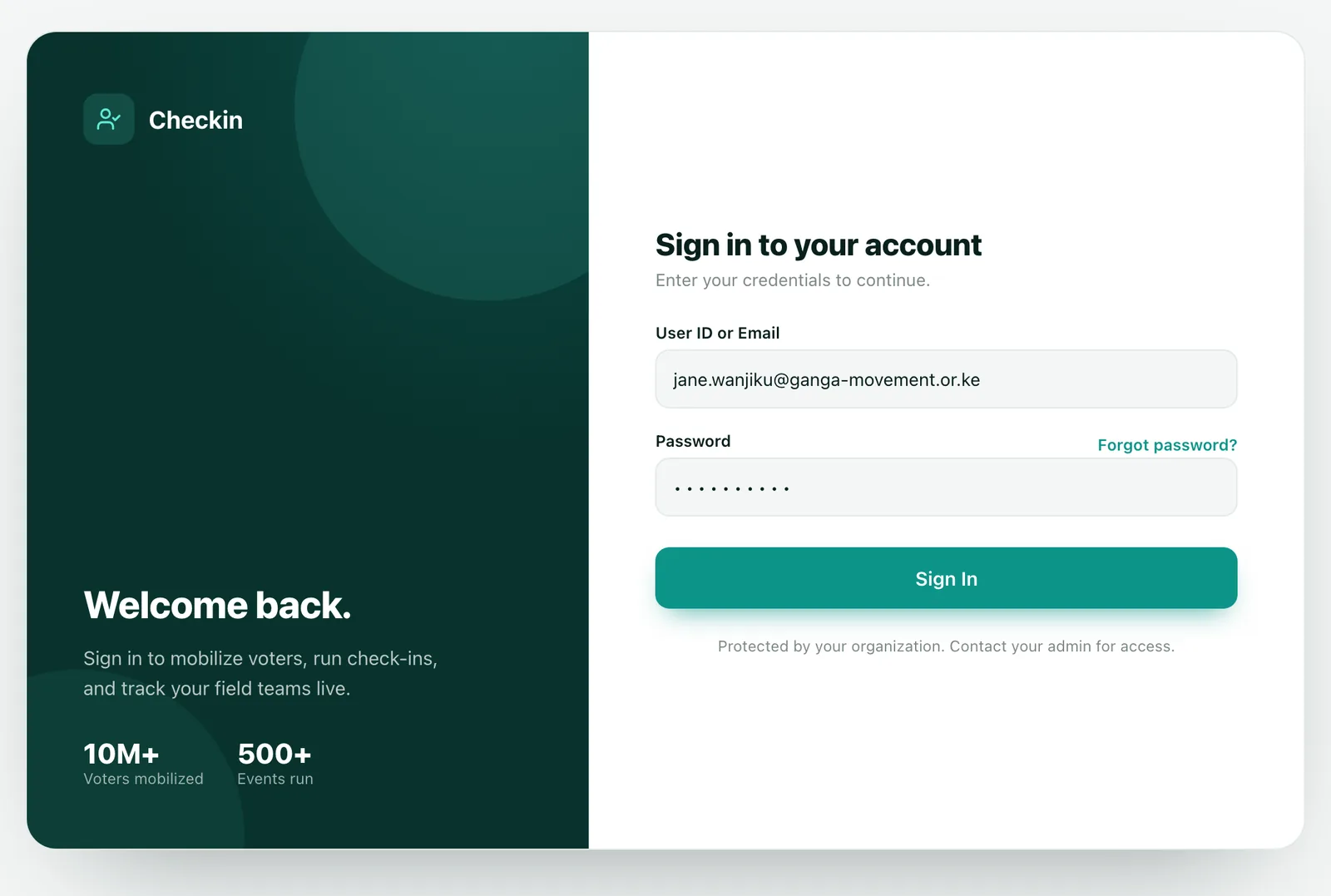
Your organization admin creates your account and emails you a secure, single-use link to set your password. The link expires, so set it soon after you receive it.
| You are… | You land on… |
|---|---|
| Organization staff | The organization dashboard: events, voters mobilized, your team and recent check-ins. |
| Check-in operators | The Check-in screen, ready to process voters. |
| Platform admins | The console for managing all organizations. |
| Role | What it means |
|---|---|
| Owner | Full control of the organization, including billing, branding and team roles. One per organization. |
| Admin | Full access to events and mobilization, and can manage most team members. |
| Member | Day-to-day work. Access to Events and/or Mobilization is granted per person. |
| Viewer | Read-only. Can see data and reports but cannot make changes. |
Check-in confirms that a voter belongs at your event and records their attendance. Look the person up by ID number; the app checks them against the register and updates your event numbers instantly.
Get assigned first. You can only check people into events you're assigned to. If your event isn't listed, ask an org admin to assign you.
| Event setting | What it does |
|---|---|
| Region-restricted | Warns when a voter is registered outside the area. The check-in still goes through, flagged out-of-region. |
| List-only | Only IDs on the uploaded participant list can check in. Admins upload the list from the event menu. |
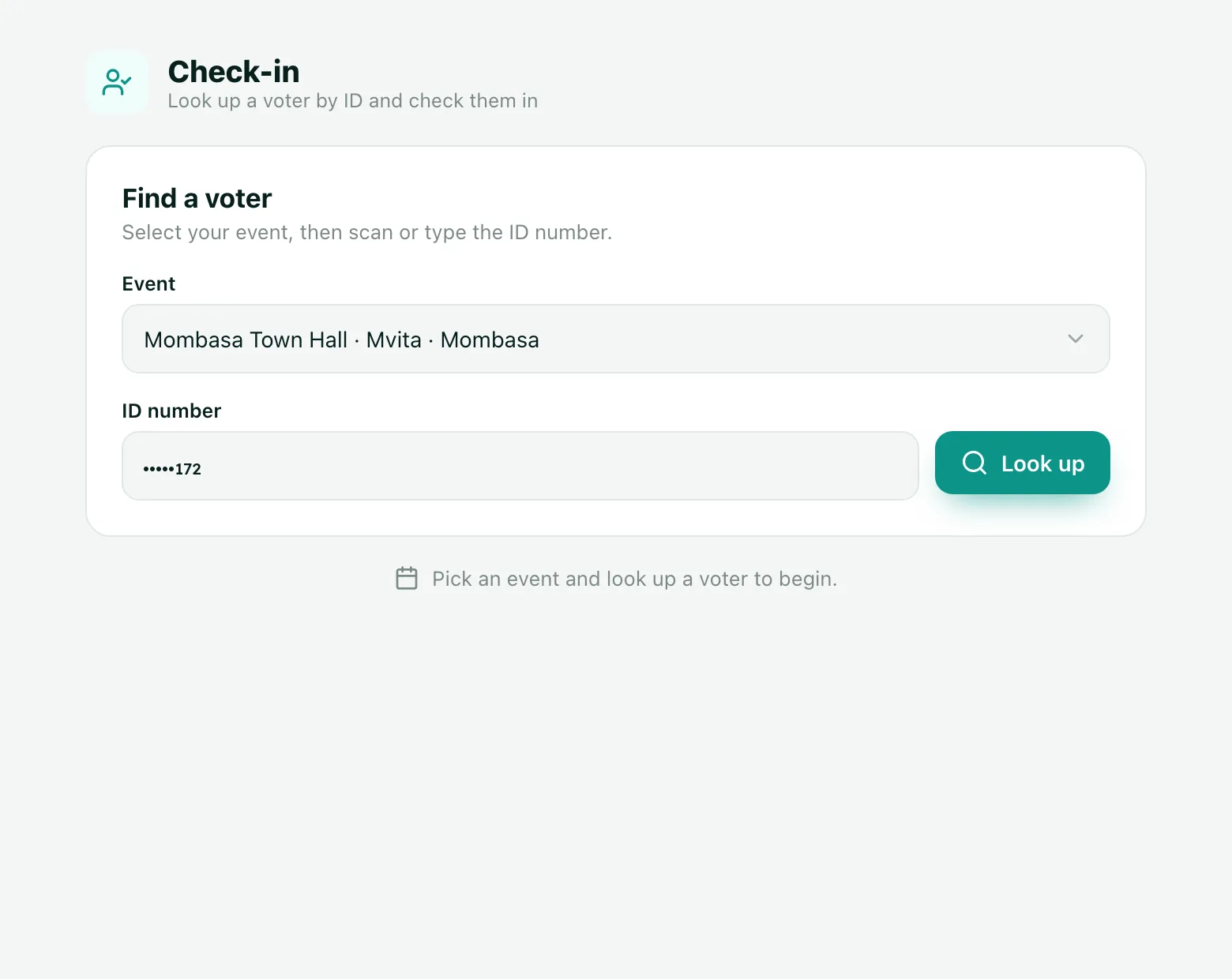
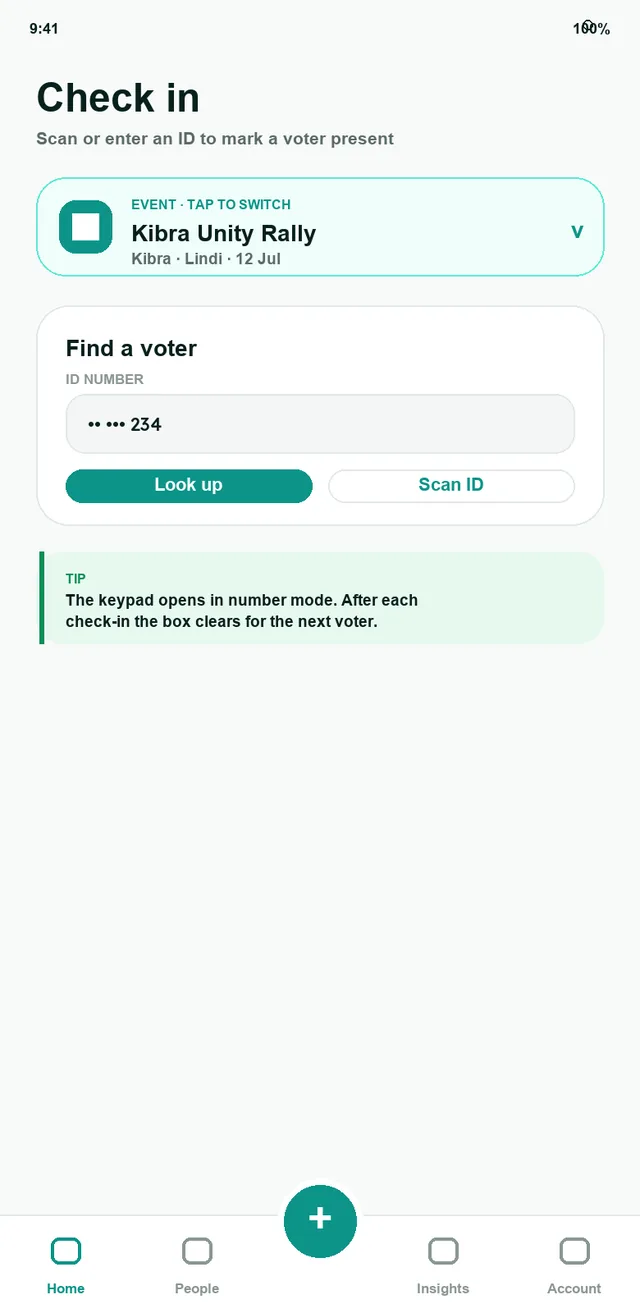
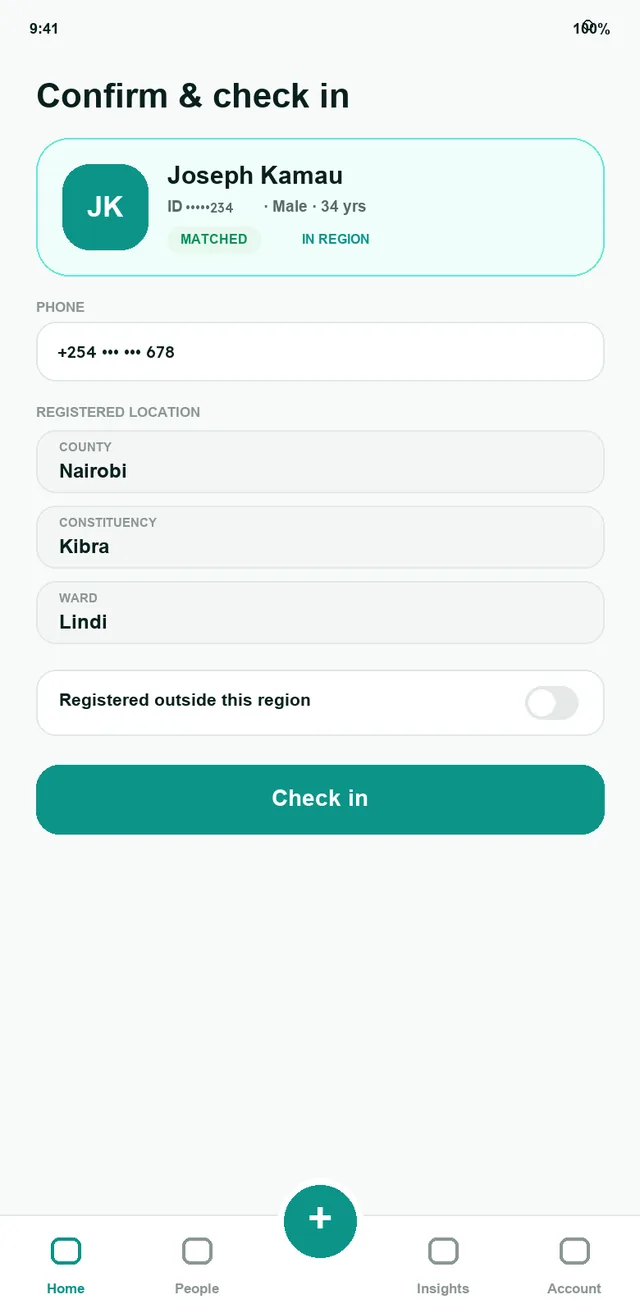
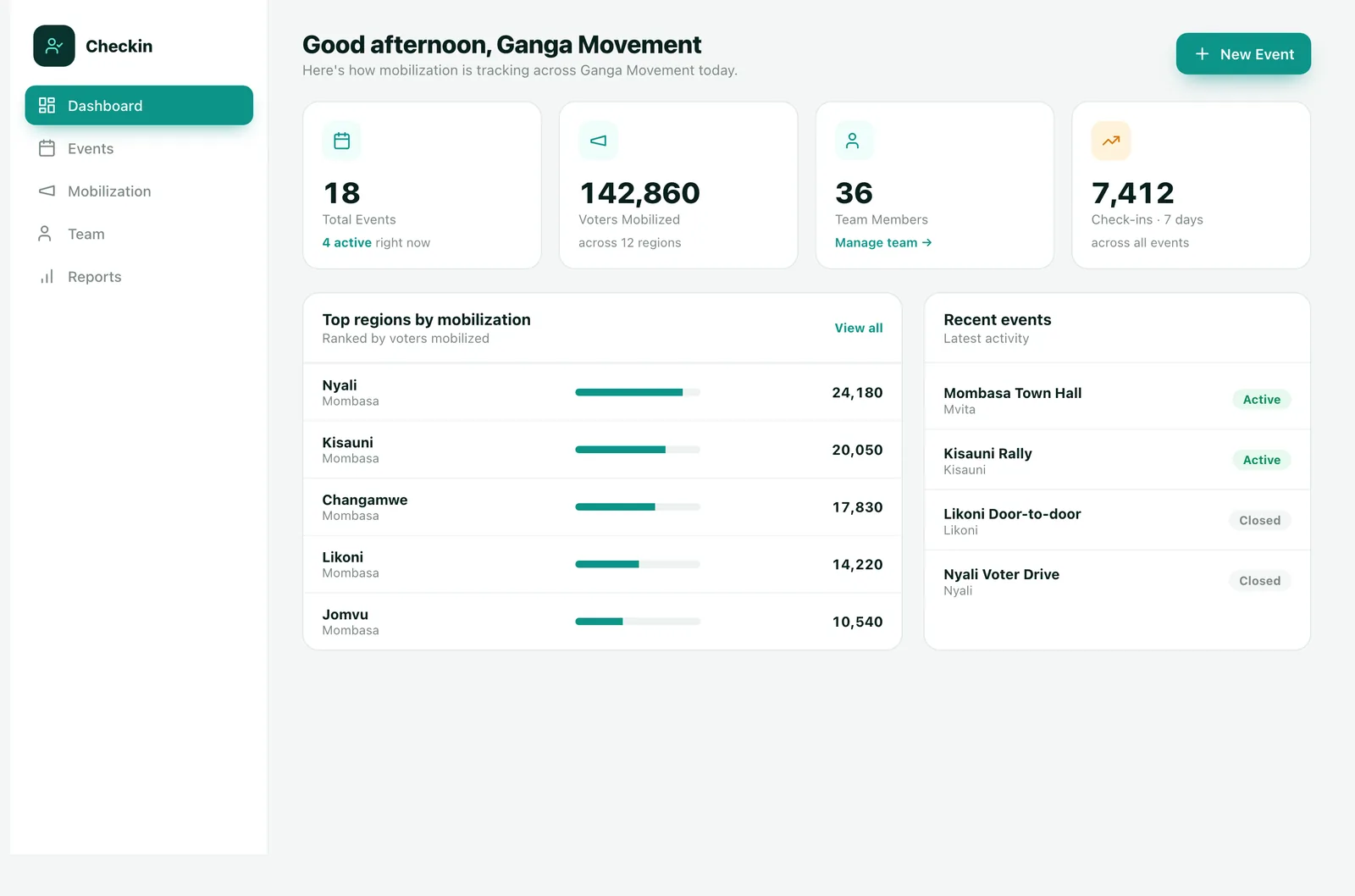
Two words come up everywhere. Mobilized is a voter your field team registered during outreach, and it measures your reach before any event. Check-in is a voter marked present at an event on the day, and it measures turnout at events.
| Stat | What it means |
|---|---|
| Total Events | Every event your organization has created; the caption shows how many are active. |
| Voters Mobilized | Voters registered by your field teams, across every mobilization region. |
| Check-ins · 7 days | All check-ins across events in the last seven days. |
| Check-ins | Total times people were checked in at an event. |
| Unique | Different people checked in. Same-day duplicates count once. |
| Out of region | Checked-in voters registered outside the event area, as a share of the total. |
| Stat | What it means |
|---|---|
| Target voters | The registration goal set for a region. |
| Progress to target | Share of a region's target already mobilized. |
| Coverage | Percentage of an area's voters you've reached. |
| Push here next | Where effort will do the most good, based on low coverage. |
| Pace needed | Voters per day required from now on to finish on time. |
| Momentum | Whether daily activity is rising, steady or cooling off. |
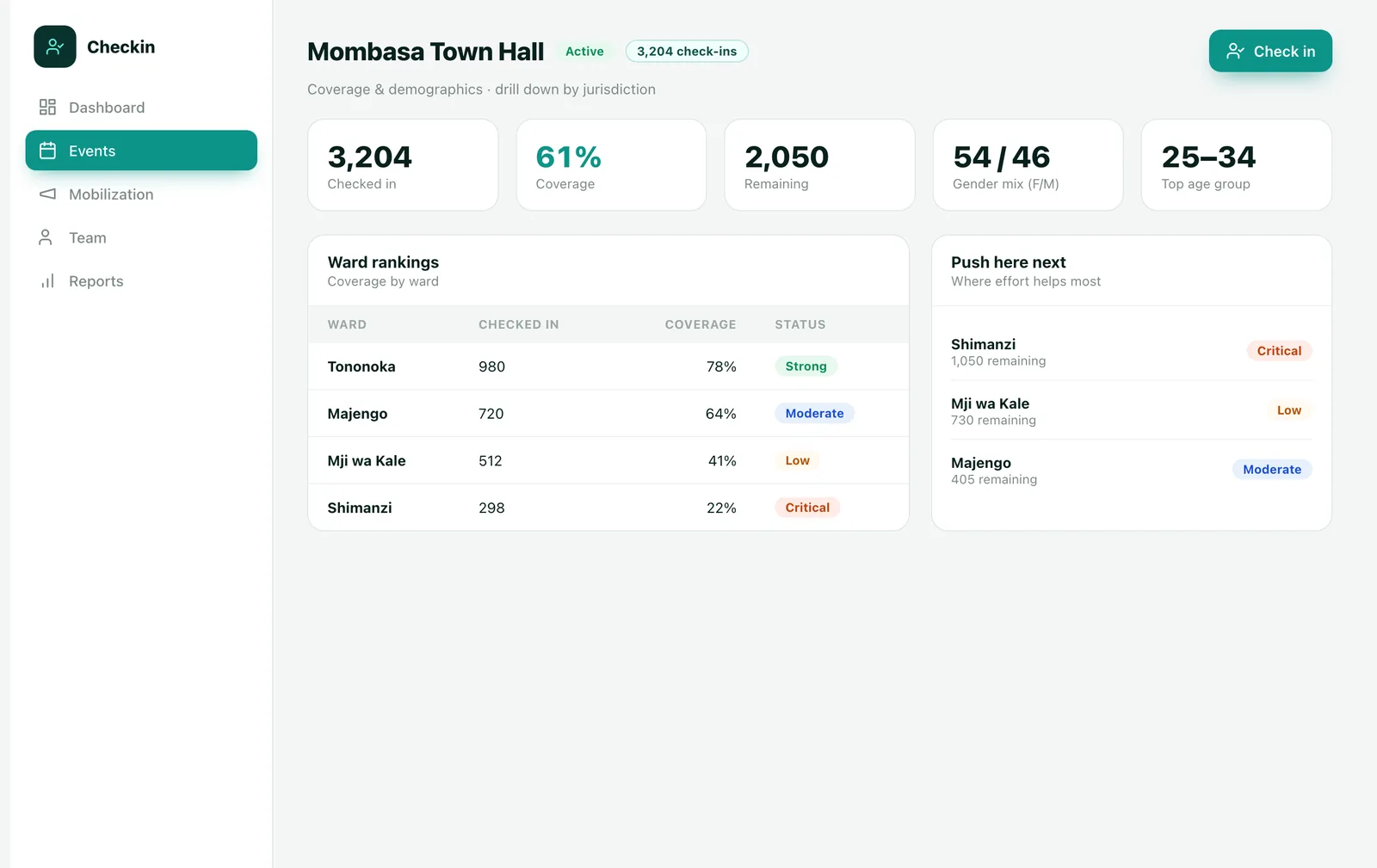
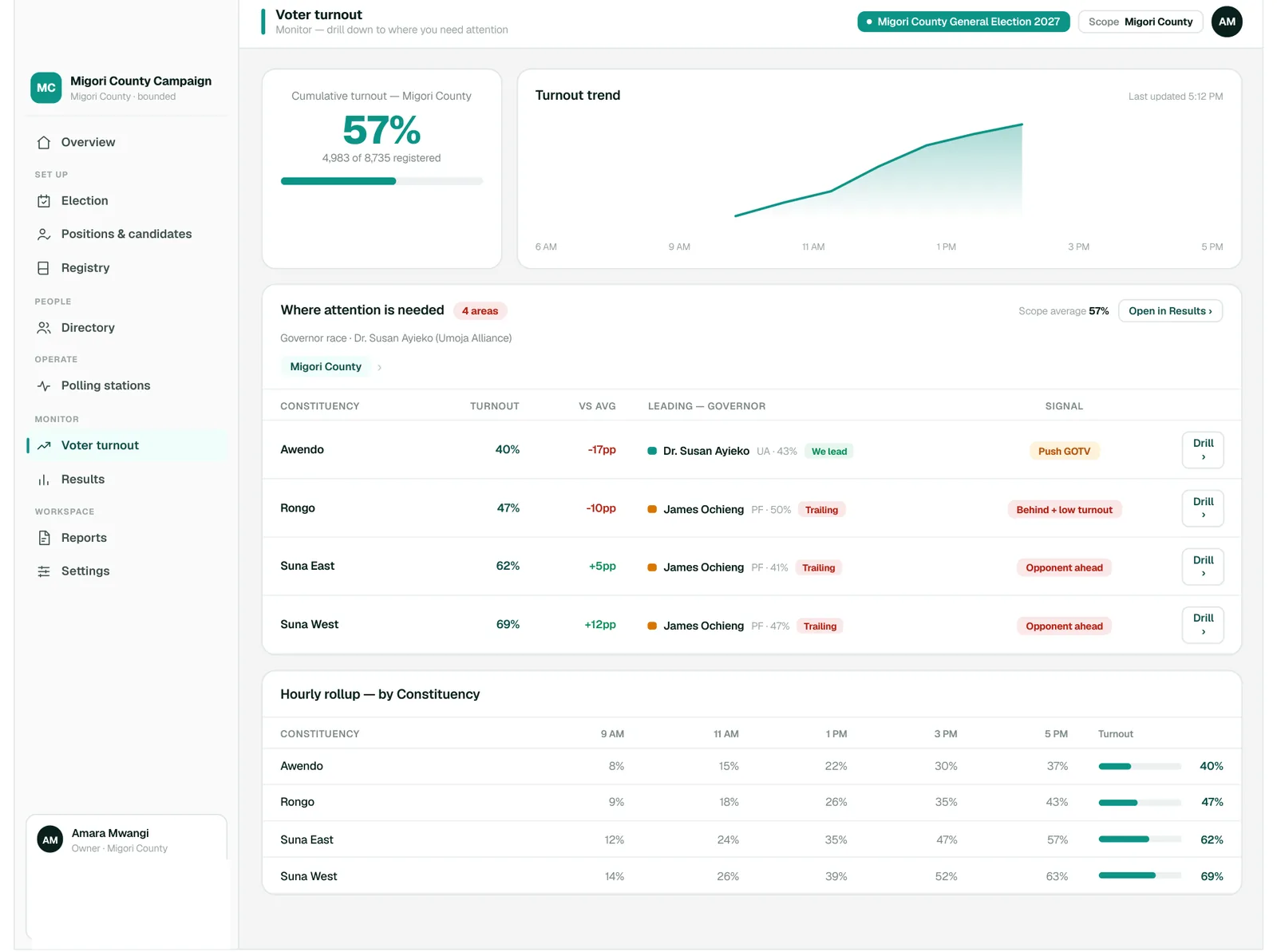
The short version. Pin it up at your check-in desk.
Golden rules. 1) Confirm you picked the right event before you start. 2) An out-of-region warning does not block check-in, so proceed and let the numbers record it. 3) When in doubt, ask your organization admin. They can fix assignments, lists and roles.
| You see… | Do this |
|---|---|
| “Login failed” | Re-check email and password (case-sensitive). If it persists, your account may be inactive, so contact your admin. Repeated failures can temporarily lock an account. |
| No events in the list | You're not assigned to an active event. Ask an admin to assign you. |
| “Not on the participant list” | The event is list-only and this ID isn't approved. Confirm the ID; the admin can update the list. |
| “Already checked in today” | This person is done. Move to the next voter. |
| “Organization is inactive” | Check-in is disabled org-wide. Contact the platform administrator. |
| Nothing loads | Check your connection and retry. On the field app, mobilization and check-in keep working offline and sync later. |